
ADMEX services
Screen and display solutions
LED screens and display solutions for exhibitions, conferences and events, chosen for the venue and the kind of display.
- LED screens for sale and rent
- Equipment suited to the venue and the display
- Screens, sound and lighting for stages and ceremonies
Screens within ADMEX’s services
What ADMEX offers in visual display, as its offers for universities and schools and its company profile describe it:
- LED screens for sale and rent for events and pavilions, to show introductory films, content, achievements and the occasion’s messages.
- Choosing the right equipment for the venue and the kind of display.
- LED screens with sound and lighting for stages, graduations and award ceremonies.
- Screens built into the pavilions, counters and display units ADMEX designs and builds.
- Advertising design and the promotional material shown on the screens.
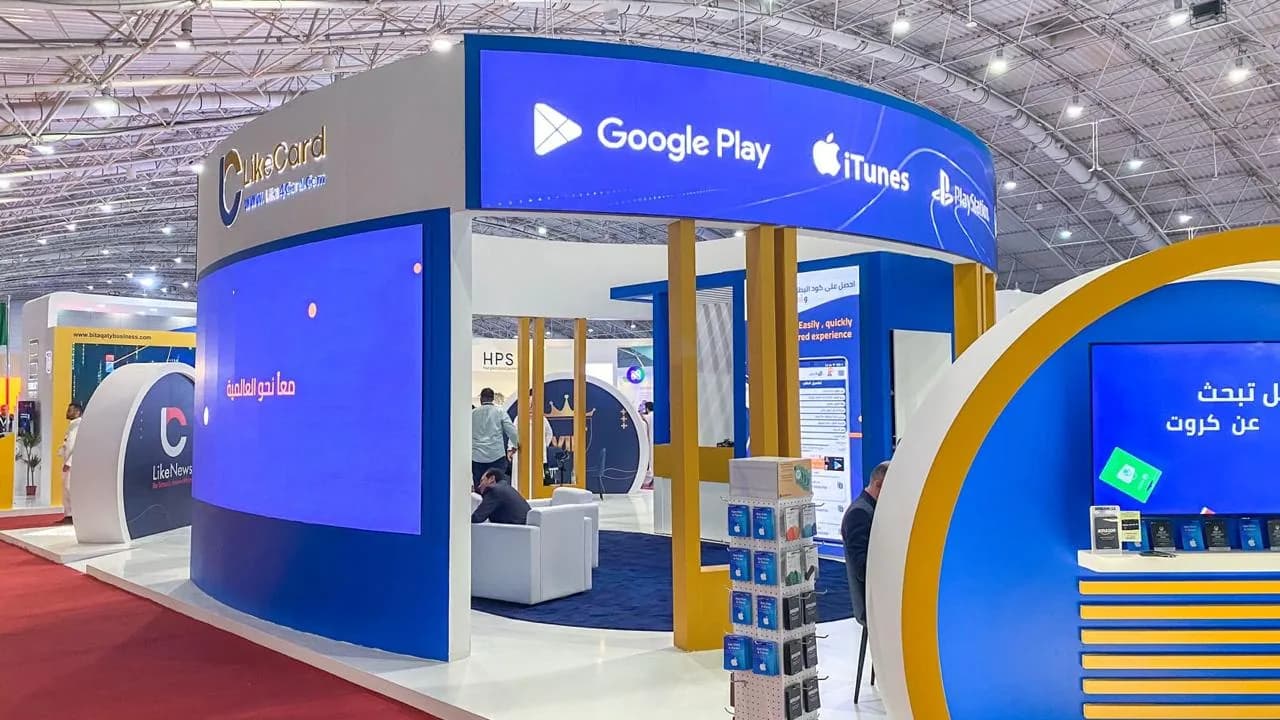
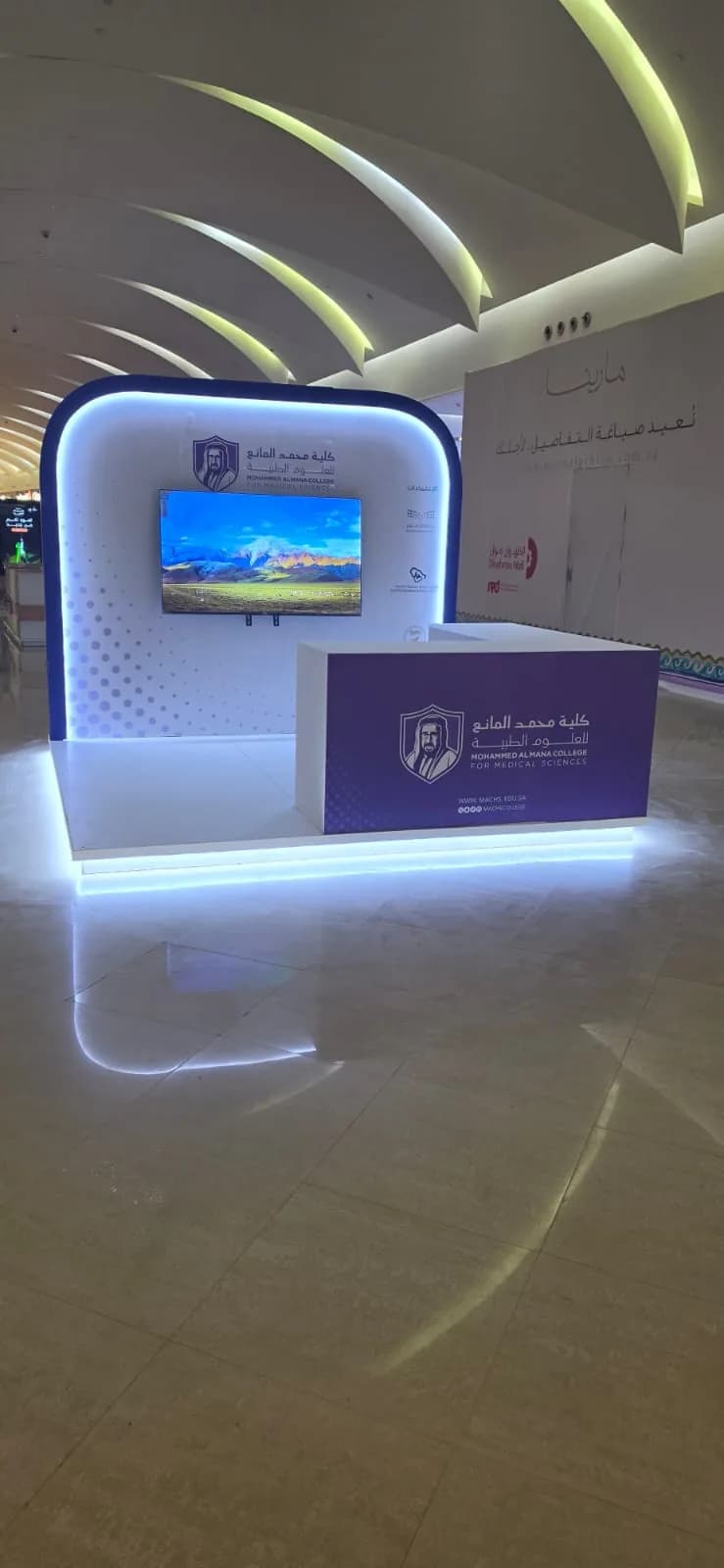
A guide to display solutions
Seven kinds of display common at exhibitions, conferences and events, and what each one suits.
This guide helps you define what you need. ADMEX recommends the right solution and confirms what is available, and its specifications, once it has studied the venue and the kind of display.
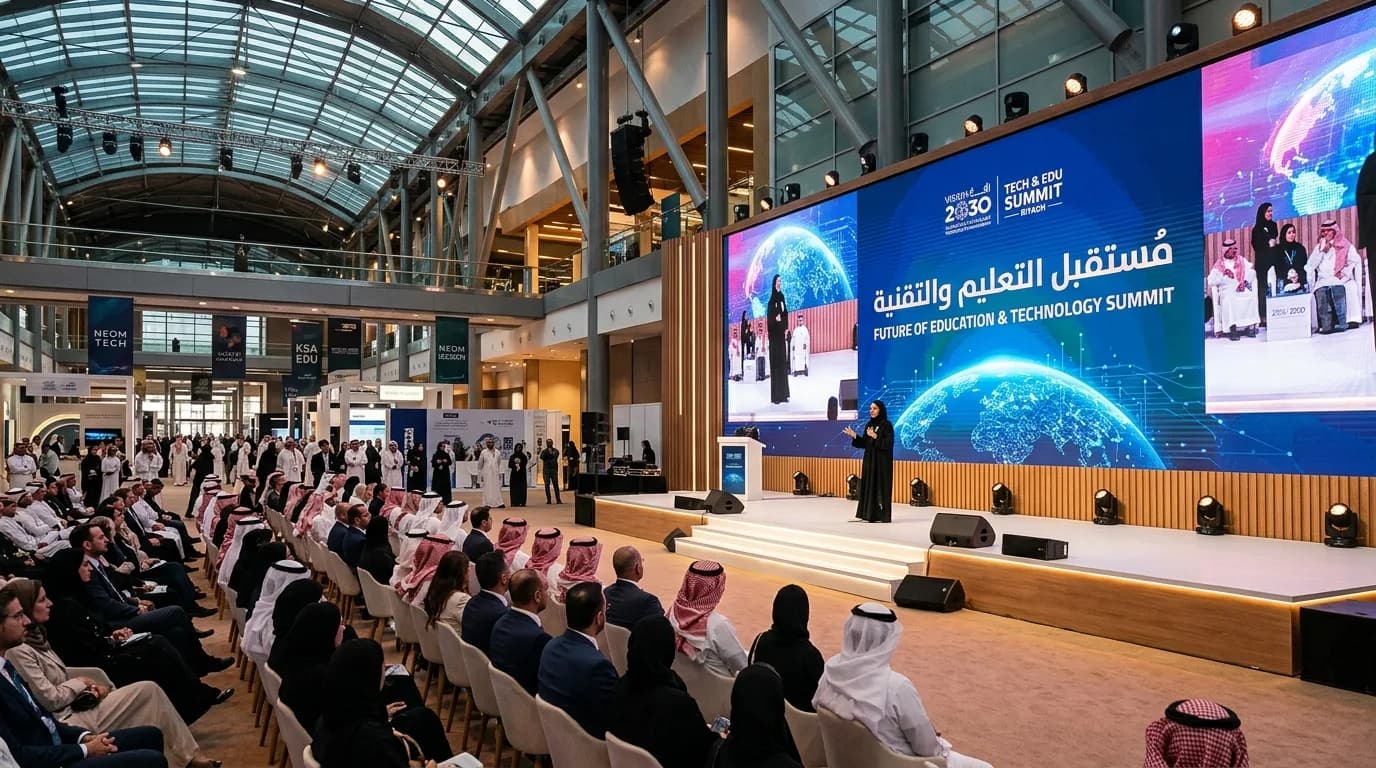
LED screens for exhibitions and events
For sale and rent at ADMEX
- What it is
- Built from modules mounted side by side to form a display surface of whatever size the space needs, with no visible seams between them.
- Where it is used
- Backdrops for stages and main platforms
- Large pavilion façades
- Introductory films, achievements and the occasion’s messages
- What it adds
- A large, bright picture that can be seen from afar and draws attention in big halls.
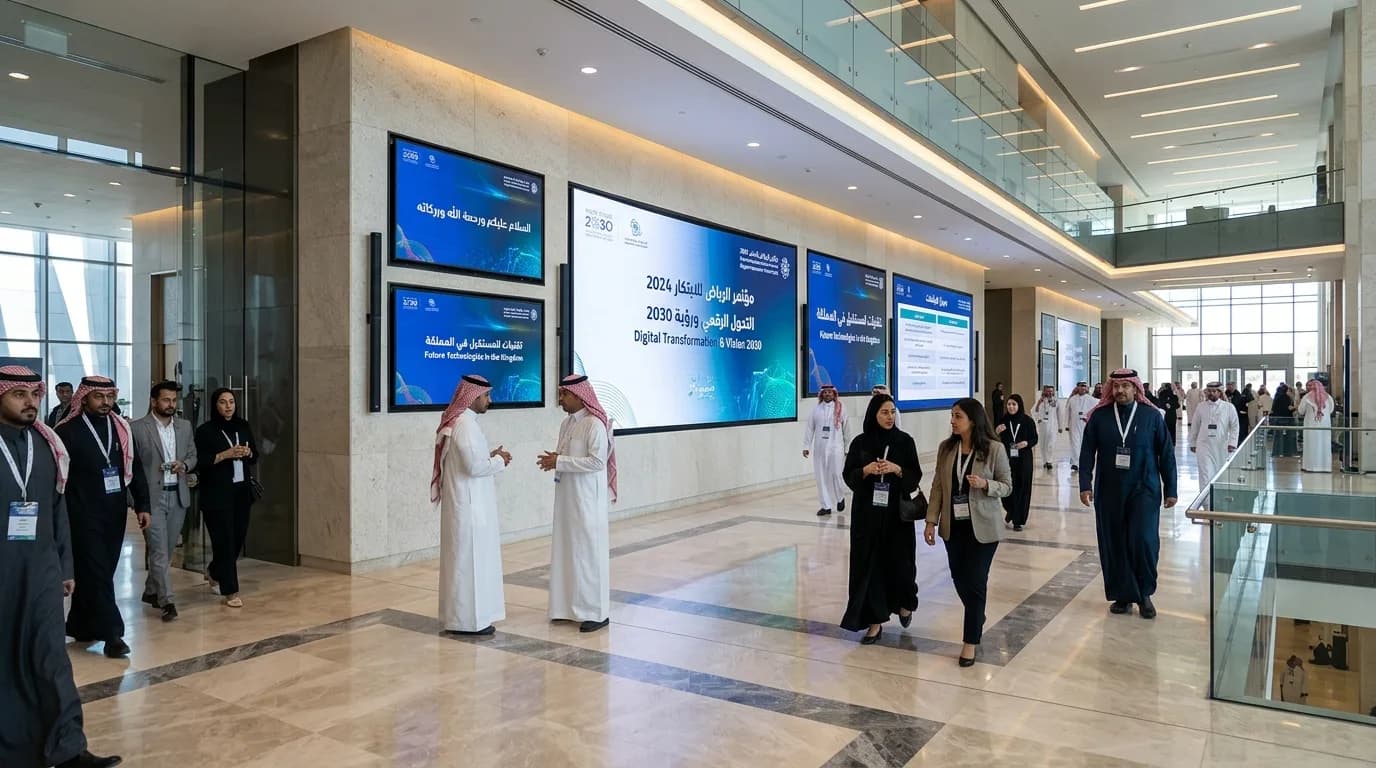
Indoor and outdoor screens
- What it is
- The right screen for a hall is not the right screen for an open square: outdoor display needs more brightness and must stand up to the weather, while indoor display needs clarity at closer range.
- Where it is used
- Conference and exhibition halls
- Squares, entrances and open-air events
- Seasonal occasions and campaigns
- What it adds
- Matching the screen to the place keeps content clear in daylight and under artificial light.
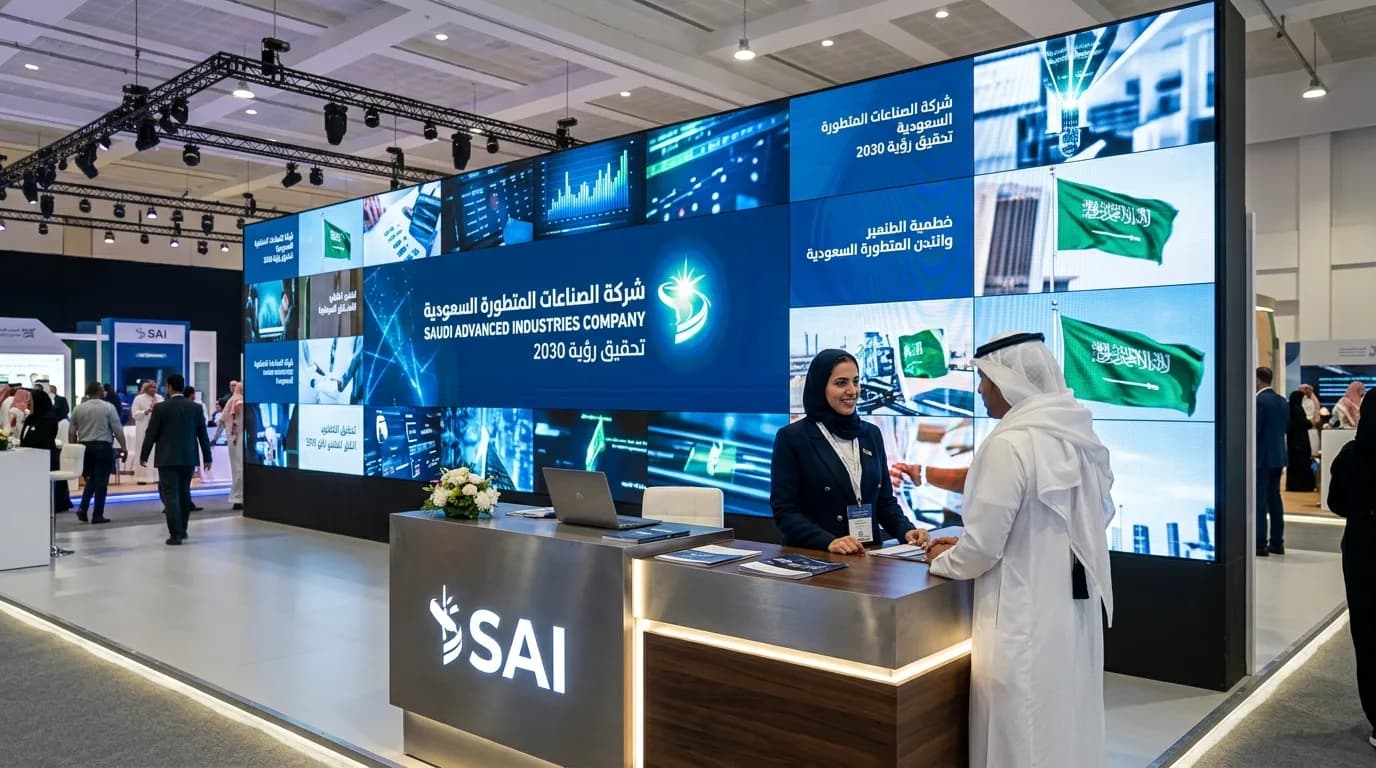
Video walls
- What it is
- A set of adjoining screens that work as one display, or show different content in each part.
- Where it is used
- Behind reception counters and on pavilion façades
- Waiting lounges and showrooms
- Showing more than one source at once
- What it adds
- A large display area in a flexible layout that fits the wall and the content.
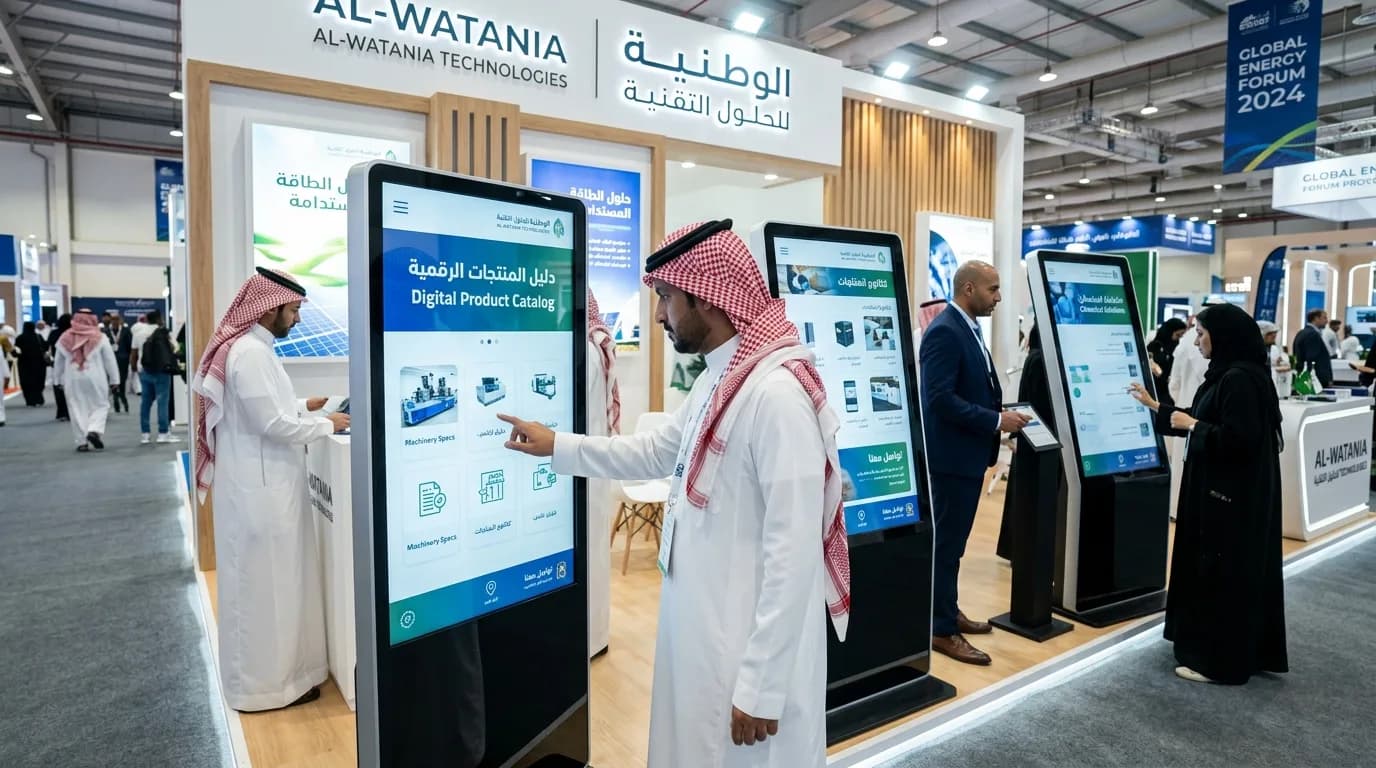
Interactive and touch screens
- What it is
- Screens on which visitors browse the content themselves by touch, rather than only watching it.
- Where it is used
- Product and service catalogues in pavilions
- Maps and guides at exhibitions
- Registration, surveys and competitions
- What it adds
- A visitor-led experience that keeps people at the stand longer and takes them to what they are looking for.
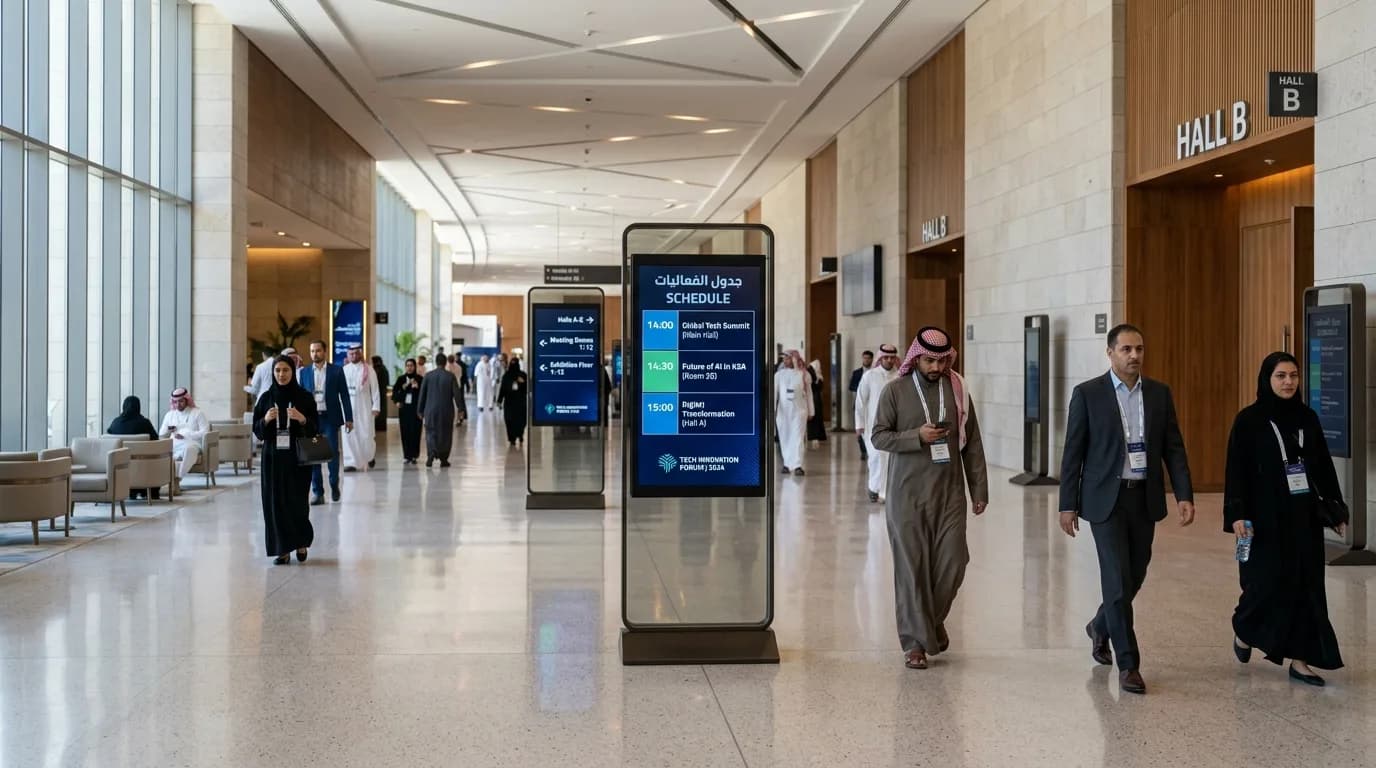
Digital signage
- What it is
- Screens that show advertising, directions and schedules, with content that can be updated without reprinting.
- Where it is used
- Session schedules and visitor directions
- Advertising at entrances and in corridors
- Promotions at points of sale
- What it adds
- Messages that are up to date when they matter, and less need for repeated printing.

Display for conferences, theatres and presentations
- What it is
- Setting up the main screen and the side screens to suit the size of the hall, the seating angles and the kind of presentation.
- Where it is used
- Opening addresses and panel sessions
- Graduation and award ceremonies
- Product launches and presentations
- What it adds
- Every seat sees the content clearly, and the speaker stands before a backdrop worthy of the occasion.
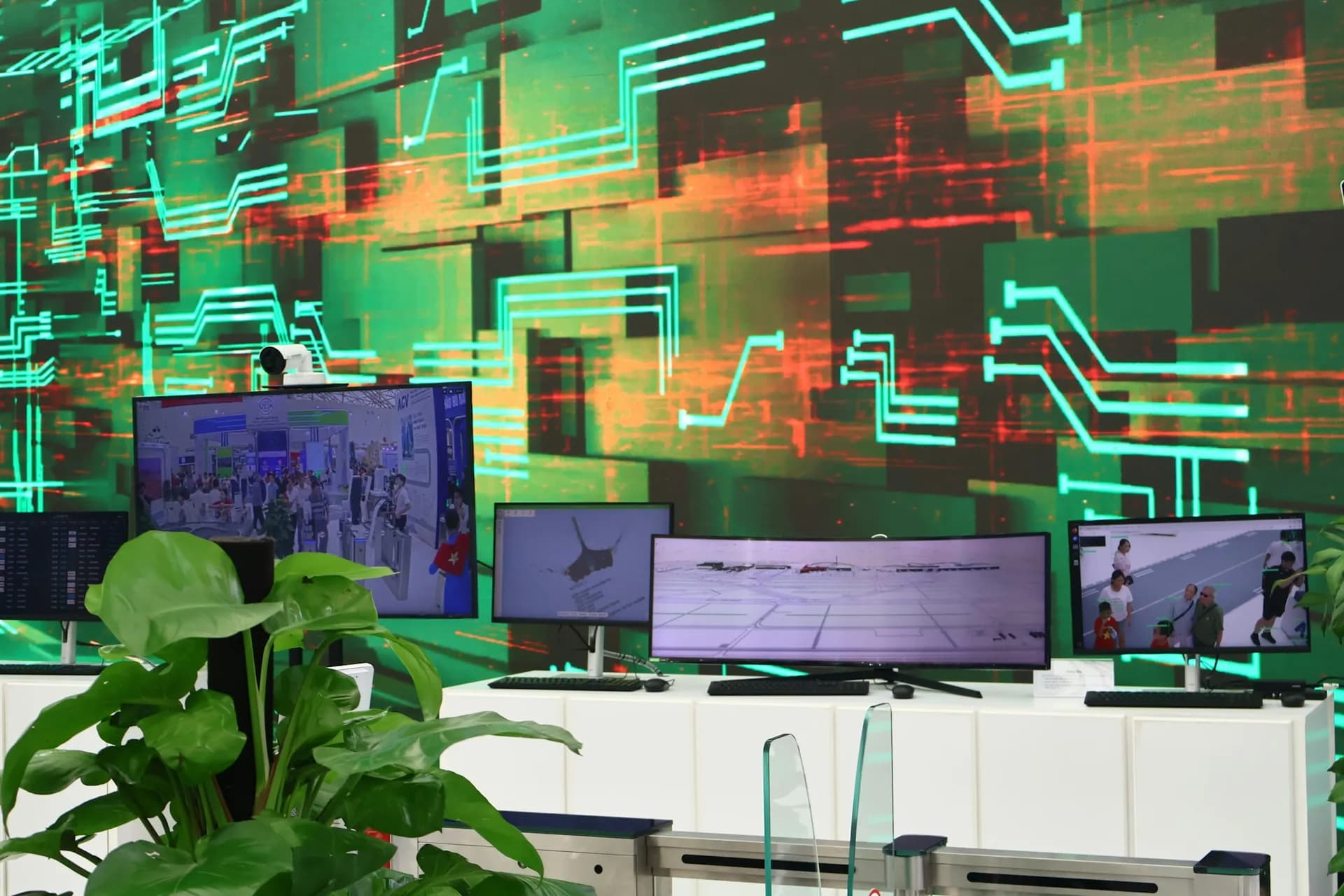
Custom display for pavilions and experiential spaces
- What it is
- Screens designed into the pavilion itself: in its walls, counters, columns and display units.
- Where it is used
- Pavilion façades and interior walls
- Counters and display units
- Experiential spaces and photo corners
- What it adds
- The screen is part of the design rather than an add-on, so the pavilion reads as one piece.
Where they are used
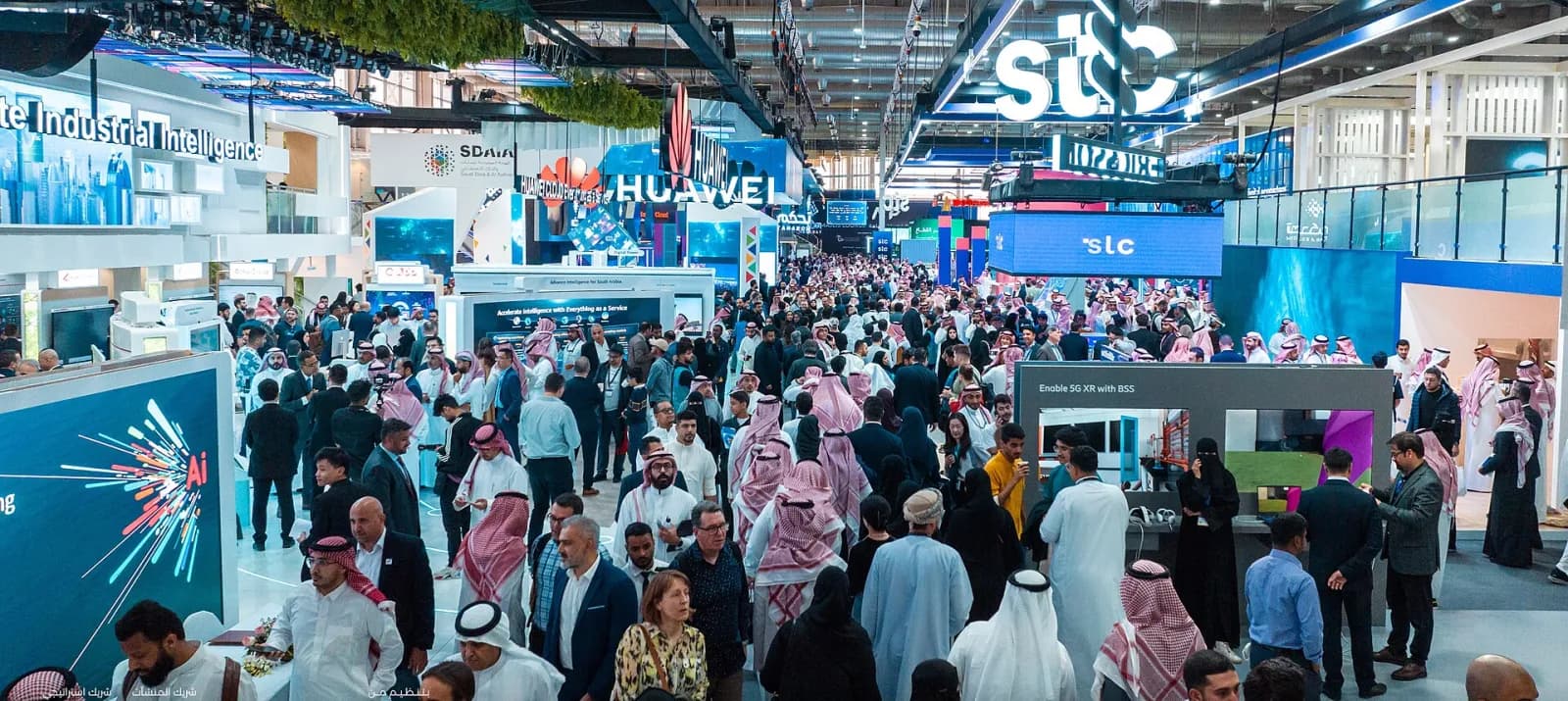
Exhibitions
Pavilion façades, video walls behind counters, touch screens for products, and wayfinding screens in the aisles.
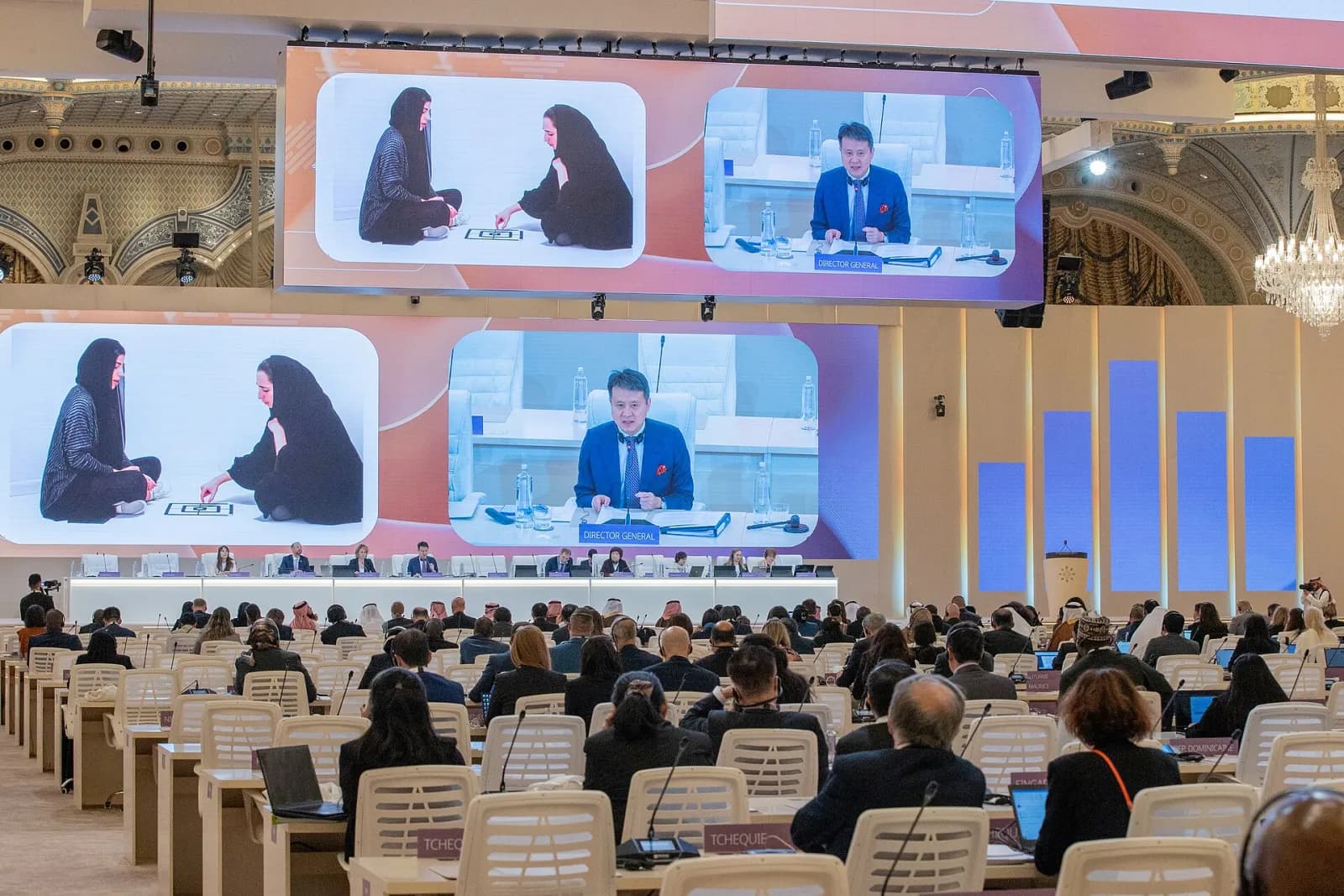
Conferences and forums
A main screen behind the speakers, side screens for large halls, and session schedules on wayfinding screens.
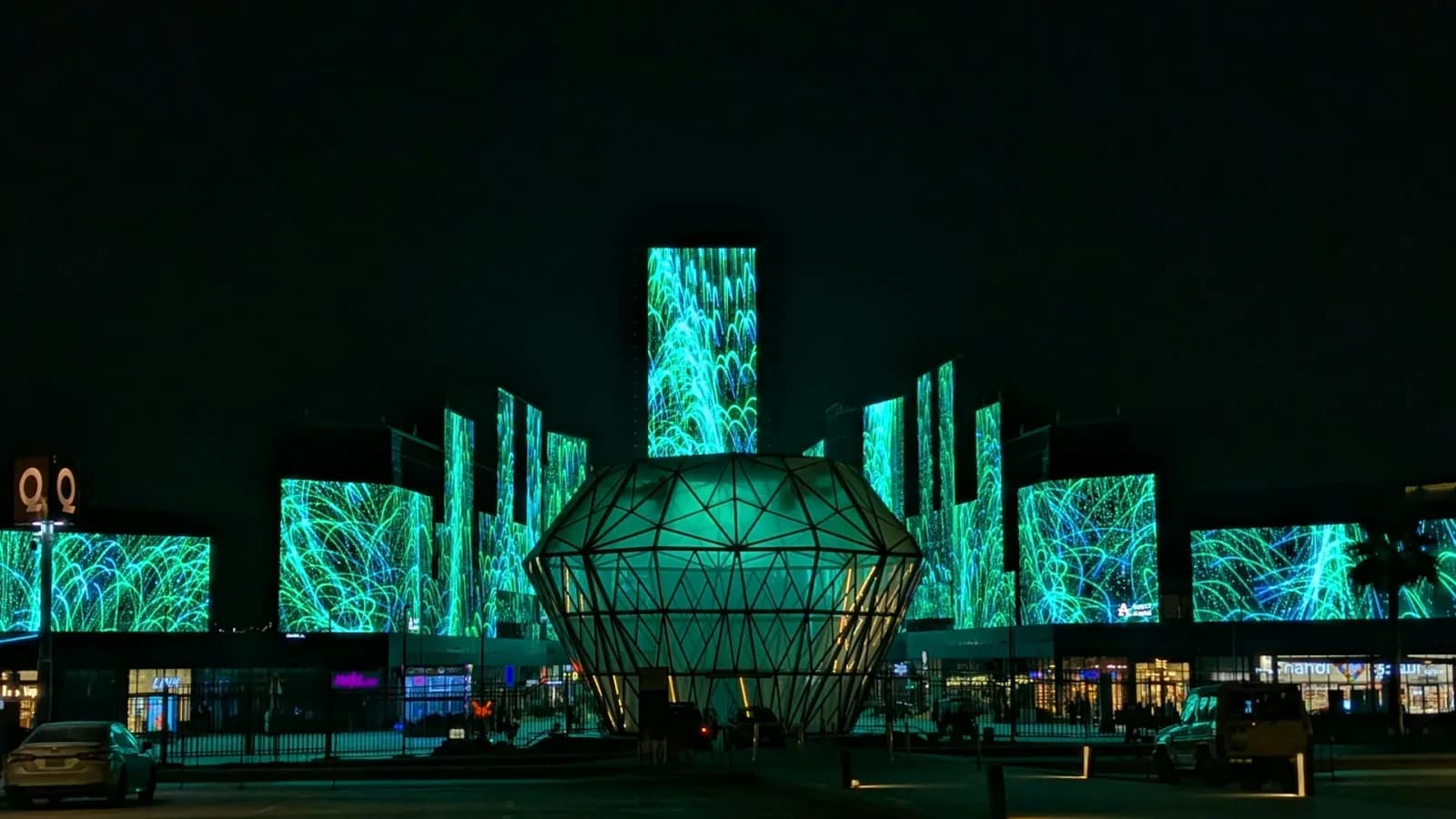
Ceremonies and occasions
LED backdrops for stages, graduations and award ceremonies, with sound and lighting to suit the venue.
How to choose the right solution
Viewing distance
The closer the audience sits, the finer the screen needs to be; the further away, the larger it needs to be.
Indoors or outdoors
Daylight and the weather decide which kind of screen suits an outdoor display.
Type of content
An introductory film, a presentation, interactive content, or directions and schedules: each has a display that suits it.
How long you need it
Renting suits a single event; buying suits permanent use in a building or a pavilion that returns.
Space and mounting
On a wall, on a stand, built into the pavilion, or on the stage.
Date of the occasion
Setting the date early leaves enough time to prepare the screens and the content before the day.
From request to screen
- 01
We agree the goal, the audience, the space and the date with you.
- 02
We choose the right equipment for the venue and the kind of display.
- 03
We present a concept and a quote that sets out the services and the delivery.
- 04
Designs and content are approved before execution.